
The Viewing & Exporting Data feature allows you to access the detailed data behind your Dashboard charts and export it for further analysis. This functionality provides greater visibility into your study metrics and supports external reporting needs.
How to Use This Feature
- Perform deeper analysis in Excel or other tools
- Share data with stakeholders or reporting teams
- Maintain records of recruitment performance
- Support audits or external reporting requirements
Viewing Dashboard Data
Show Table
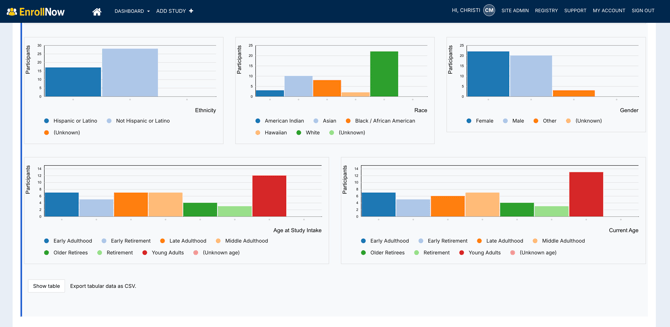
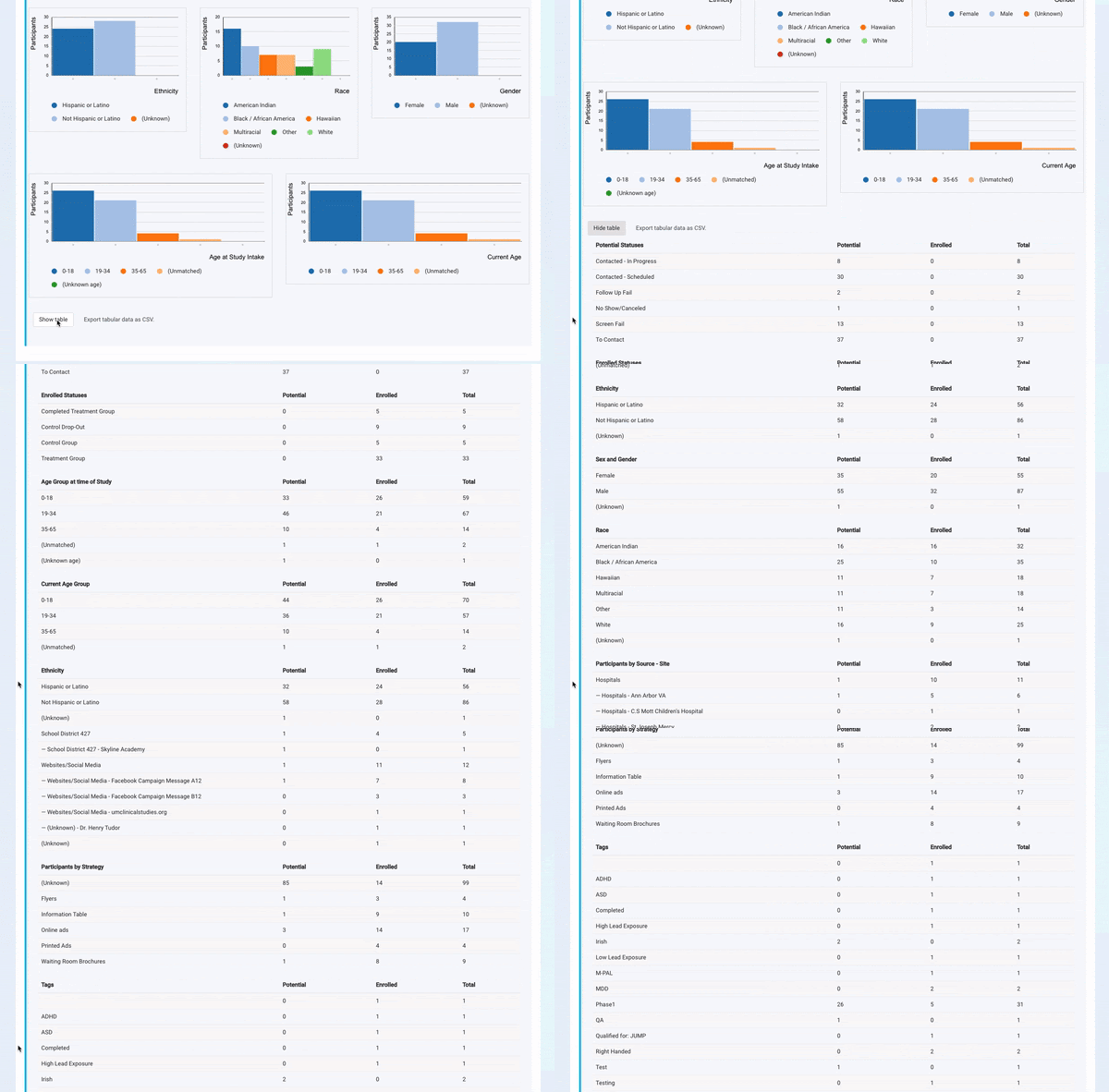
While many Dashboard charts display summarized data visually, you can access the full dataset by selecting Show Table.
The table includes:
- Enrolled participants
- Potential participants
- Totals across all categories
This view consolidates data from across the Dashboard, including:
- Participant statuses
- Demographic breakdowns
- Age group distributions
Use this feature to:
- Review detailed counts behind charts
- Validate Dashboard metrics
- Compare participant data across categories
Exporting Dashboard Data
Export to CSV
You can export the table data for use outside of EnrollNow.
Steps to export:
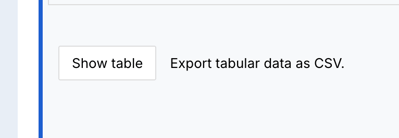
- Select Show Table
- Click Export Tabular Data as CSV
- Download the file
What the Export Includes
- All data displayed in the table
- Structured rows and columns for easy analysis
- Combined data across Dashboard sections
Summary
The Viewing & Exporting Data feature gives you access to the complete dataset behind your Dashboard, allowing for deeper insights and flexible reporting. By leveraging the table view and CSV export, your team can extend Dashboard insights beyond the platform and make more informed decisions